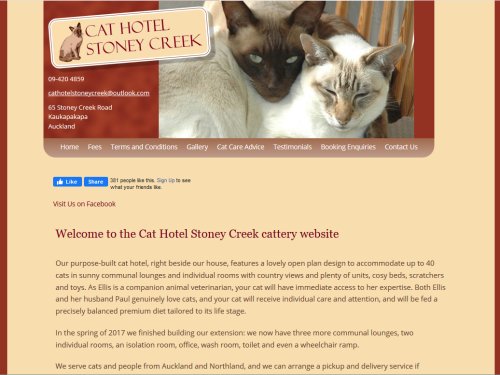
Ellis and Paul live just north of Auckland. Ellis is a vet, Paul is a photographer: together they have started a cattery, and of course I was very happy to provide a web site for the business.
Initially, I chose the Silverstripe CMS, because I was confident that it would cope with the customisation they wanted, making it easy to have pages with different natures, and the content being editable by them without asking me for help.
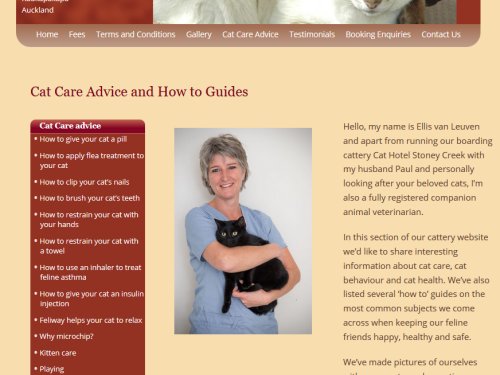
They did not require a huge amount of content, but Ellis offers a handful of great articles of cat care advice, which also gradually helps Google ranking.

Google Ranking
The final task was quite easy, which was to organise a listing in Google “Local Business” or whatever they call it nowadays. It took a few weeks but finally the site is established in Google. And, more importantly, Ellis and Paul are getting customers. If you need good cat care in the Auckland and Northland region, go see Cat Hotel Stoney Creek for more information.
WordPress Upgrade
After a few years, our version 2 of Silverstripe became unuseable when uploads failed due to its reliance on the insecure Shockwave plugin for uploads. New versions of SS did of course solve this problem, but instead of upgrading via that path, we transferred the site to WordPress. The result is deliberately almost identical in appearance to its predecessor, but Ellis and Paul felt prompted to create a fresh new set of helpful Cat Care articles.
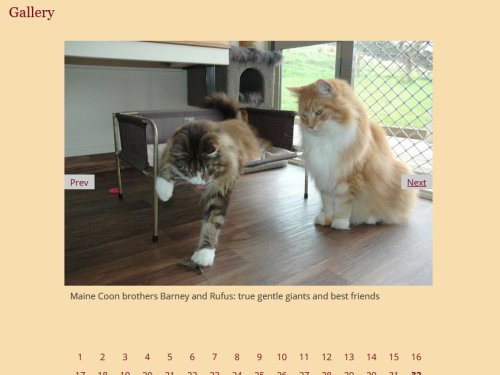
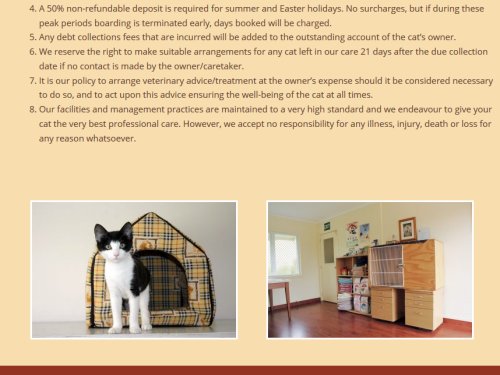
Apart from customising the cosmetics in the child theme, I only made two very slight functional amends. I installed a plugin which reversed the sort order of the posts (because our Next and Previous acted counter-intuitively). Second, in the footer, each page can have two small custom images. If not configured for that page, then default contact details are shown instead.
We also took the opportunity to do a little more SEO (Search Engine Optimisation), fine tuning of things. In addition, we exploited the GMB (Google My Business) option, setting up images, FAQs, allowing reviews from previous customers and other improvements which make it easier for the busy surfer to find a lovely holiday for their fortunate cat.
Silverstripe Uploads
Back in the earlier version with Silverstripe, as usual, I developed the site on my PC then uploaded to the server. The upload didn’t go as smoothly as I hoped. First off, on the server, the site would only display the default Silverstripe error page with scant clues about the problem. After a little hunting I realised my mistake: my local PC had all lowercase table names. It derived from a setting I tried last year in MySQL: lower_case_table_names = 1
This was a mistake because when I installed my local Silverstripe base CMS, it created names with all lowercase – but the PHP code continued to use camelcase. This works on Windows, but on the live Linux server, just about every table could not be accessed by the PHP. So I had the dreary job of trudging through every table and renaming them with trusty tool phpMyAdmin. I expect I deserved that punishment, since I had known about this problem but completely forgot again.
The second snag was more subtle: the hosting company is OpenHost, and they have a slightly unusual setting in their PHP installation, called open_basedir. This is a sensible way of restricting file access to the web tree. But unfortunately it seems to clash with a few intricate details of Silverstripe, causing strange effects on file uploads.
Further upload problems occurred, in which the uploaded file was sent successfully to the server but the page then showed “Http Error”. On the web there were several solutions mooted. The one which worked for me was from the venerable Silverstripe advisor, UncleCheese: in uploadify/_config.php, put
UploadifyField::disable_authentication();
and bingo. (This may seem like some dull nerdism…. but perhaps it will help someone else in the same predicament).